
What is this software?
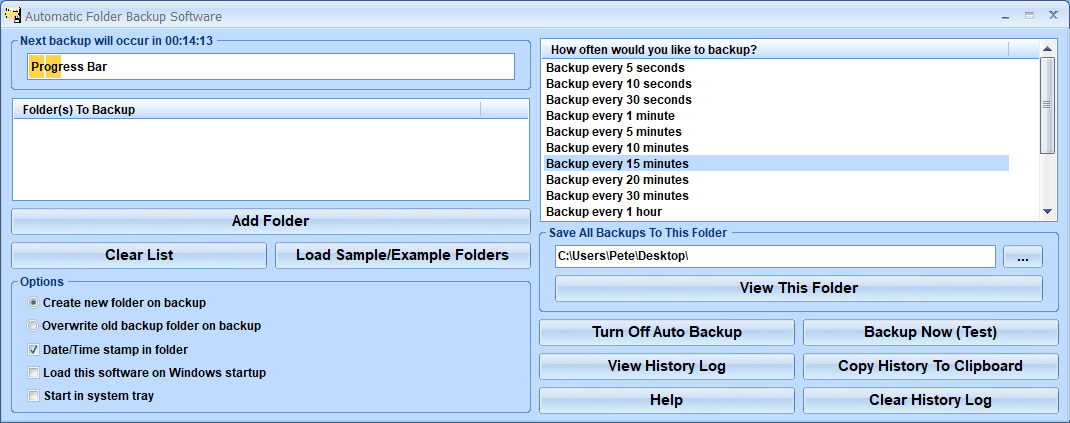
Automatic Folder Backup Software offers a solution to users who want to backup one or more folders at regular intervals. After adding the folder/s to be processed the user chooses the required interval from a list: 5 minutes, 10 minutes, 15 minutes, 20 minutes, 30 minutes, 1 hour, etc. There is a button to stop the program running automatically and another to run it during the interval. There are options to create a new folder for each backup or overwrite the previous backup folder. There are check boxes to add date and time stamp in the folder and to load the software on Windows startup and in the system tray. The backup history log can be viewed or copied to the clipboard.
Money Back Guarantee
Automatic Folder Backup Software is backed by a 30-day money back guarantee. If you are unhappy with the product, simply fill out the electronic form for a refund.
© Sobolsoft