
What is this software?
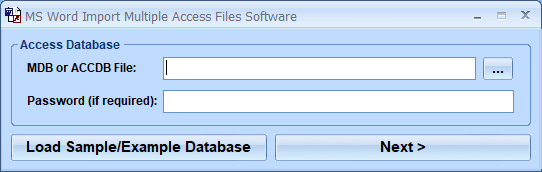
MS Word Import Multiple Access Files Software offers a solution for users who want to import multiple Access tables into a blank Word file. After choosing the required database and entering the password (if required), the user selects the required tables from a list. In the next window fields are displayed in the lower left pane and a preview of the data in each selected field is shown at the top. The user selects the fields required for the Word document and adds them to the right panel ready for processing. Then the user is prompted to choose the output folder and enter the character/s to separate the fields in the Word document. There is a check box to include the field names in the first line of the document. This time saving software makes adding database table to Word documents extremely easy. MS Word 2000 or higher required.
Money Back Guarantee
MS Word Import Multiple Access Files Software is backed by a 30-day money back guarantee. If you are unhappy with the product, simply fill out the electronic form for a refund.
© Sobolsoft