
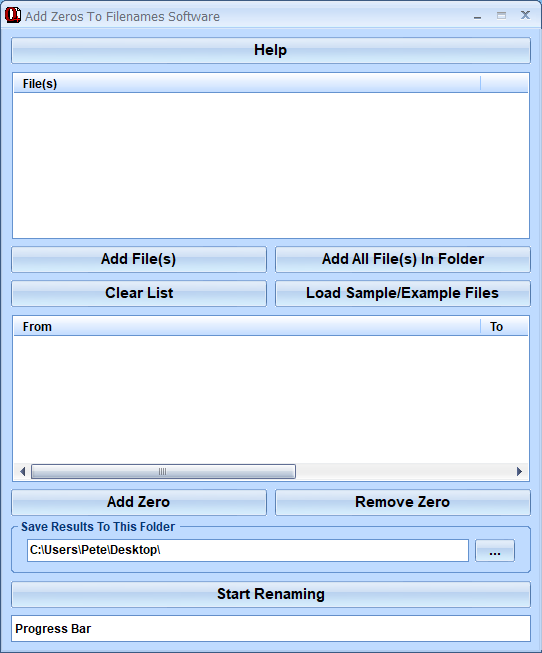
What is this software?
Add Zeros To Filenames Software offers a solution to users who want to insert 0s into filenames to keep them properly aligned and in alphabetical/numerical order. Many times, to accomplish a task, we create multiple files containing a root name followed by a number. Unfortunately, if you don't think ahead and pad the left of the numerical part of the filename with a zero so that all of the filename lengths are the same, displaying the files in numerical order becomes impossible. Use this utility to prepend the numeric suffix of a file name with a user defined number of zeros. So, for example: foo1.bmp foo11.bmp foo2.bmp foo222.bmp can become: foo001.bmp foo002.bmp foo011.bmp foo222.bmp.
Money Back Guarantee
Add Zeros To Filenames Software is backed by a 30-day money back guarantee. If you are unhappy with the product, simply fill out the electronic form for a refund.
© Sobolsoft