
Automatically Take Screenshots Software
Automatically capture and save screenshots.
What is this software?
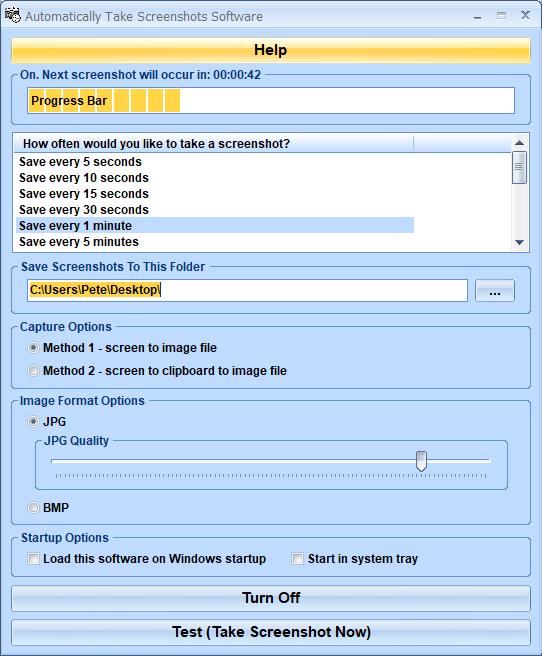
Automatically Take Screenshots Software offers a solution to users who want to take screen captures at designated intervals. Save screenshots at intervals of your choice between 30 seconds and 24 hours. With this easy to use software, you can keep records of what has appeared on your screen or set up a simple surveillance system. Also, screenshots are a low disk space alternative to video recording and do not slow your computer down while you work. This utility sits in the system tray at the bottom right corner of the screen.
Money Back Guarantee
Automatically Take Screenshots Software is backed by a 30-day money back guarantee. If you are unhappy with the product, simply fill out the electronic form for a refund.
© Sobolsoft