
What is this software?
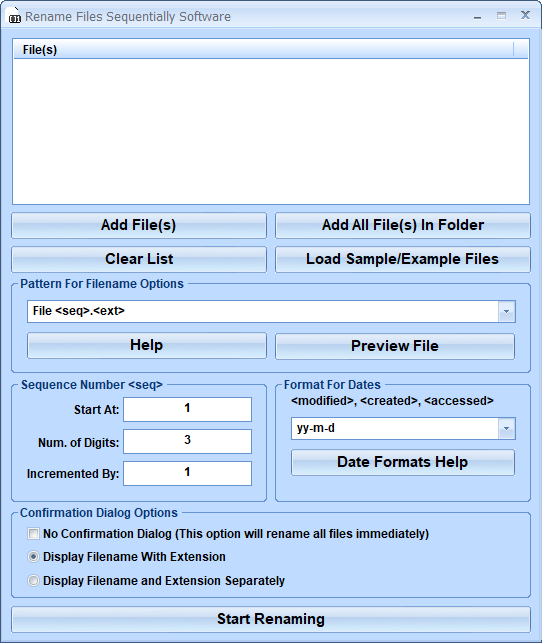
Rename Files Sequentially Software offers a solution to users who want to rename files using sequential numbering and/or other information about the files as part of the filename. For example, you can rename images as Christmas 001.jpg, Christmas 002.jpg, Christmas 003.jpg, etc. The user can add files or entire folders for renaming. A drop down list allows the user to choose three preset formats or to enter a custom list of tags in the order required. This allows inclusion of, for example, 'date modified', 'full path' or any other standard file tag. By clicking on the help button the user can see a list of tags and the format for entry. Numbering can be set to start at a specific number, to always have a specified number of digits and the sequence can be set to any increment required. A great feature is the button for loading Sample/Example files, stored in a special folder, allowing the user to test the new filename formats before renaming important files.
Money Back Guarantee
Rename Files Sequentially Software is backed by a 30-day money back guarantee. If you are unhappy with the product, simply fill out the electronic form for a refund.
© Sobolsoft